
ID Photo
ID photo online — in 30 seconds
Upload a selfie — AI creates a professional photo for passport, visa or resume. White background, neat appearance, studio light.
Real examples
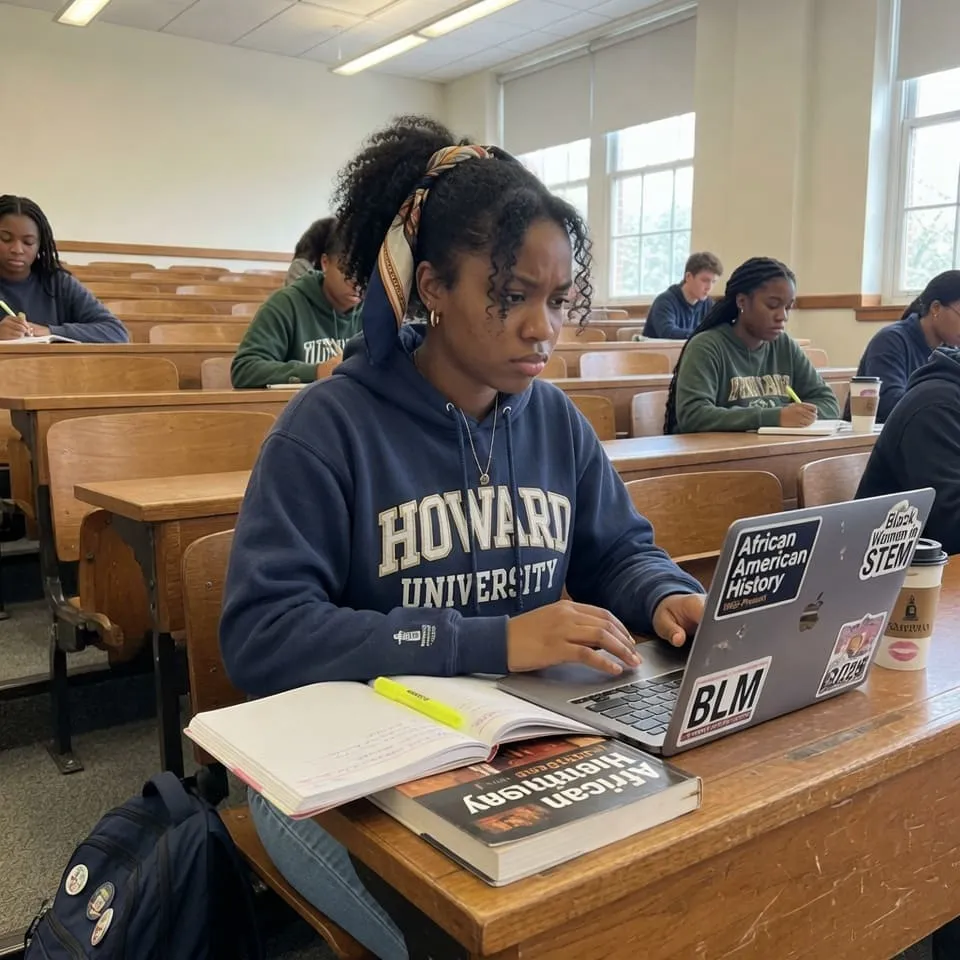
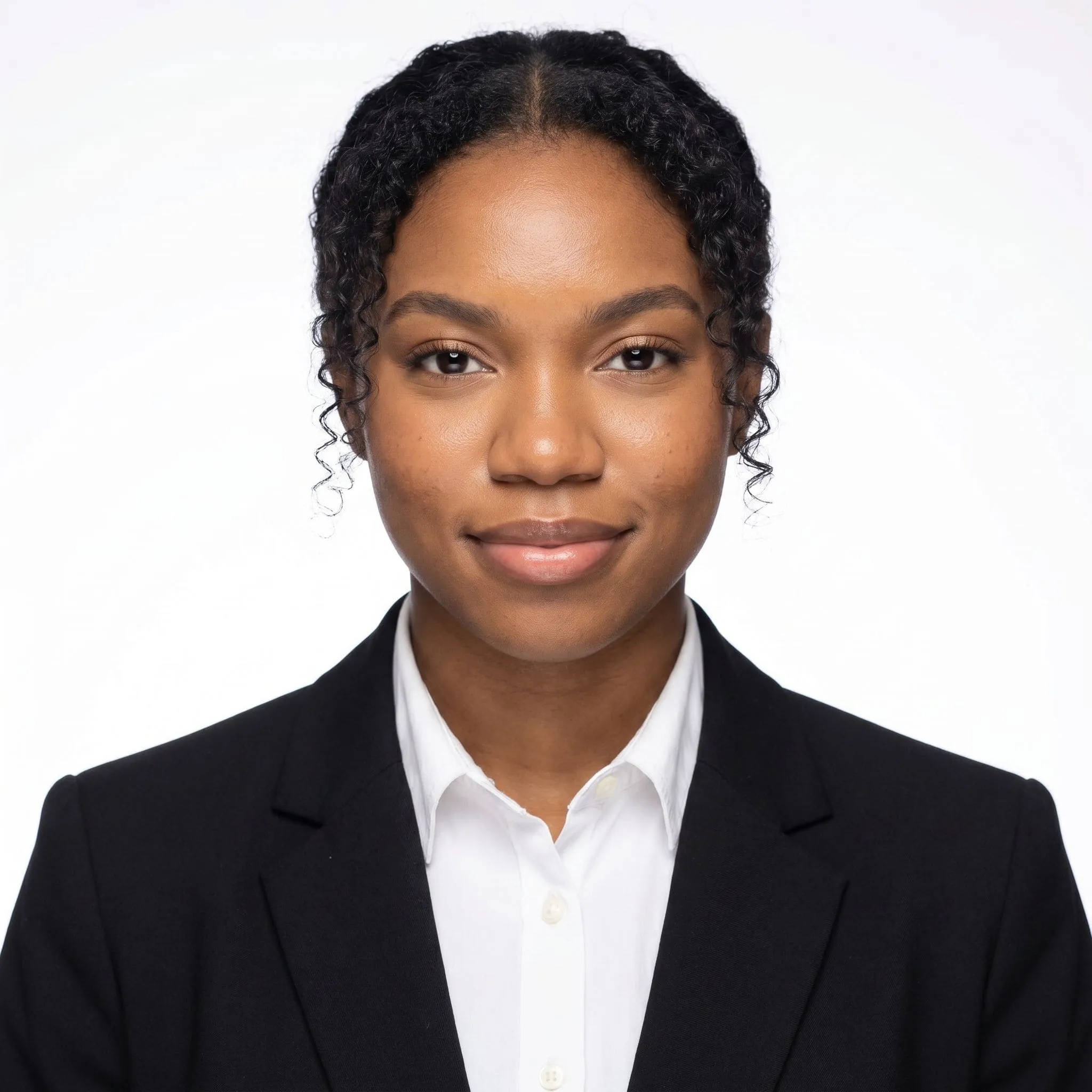
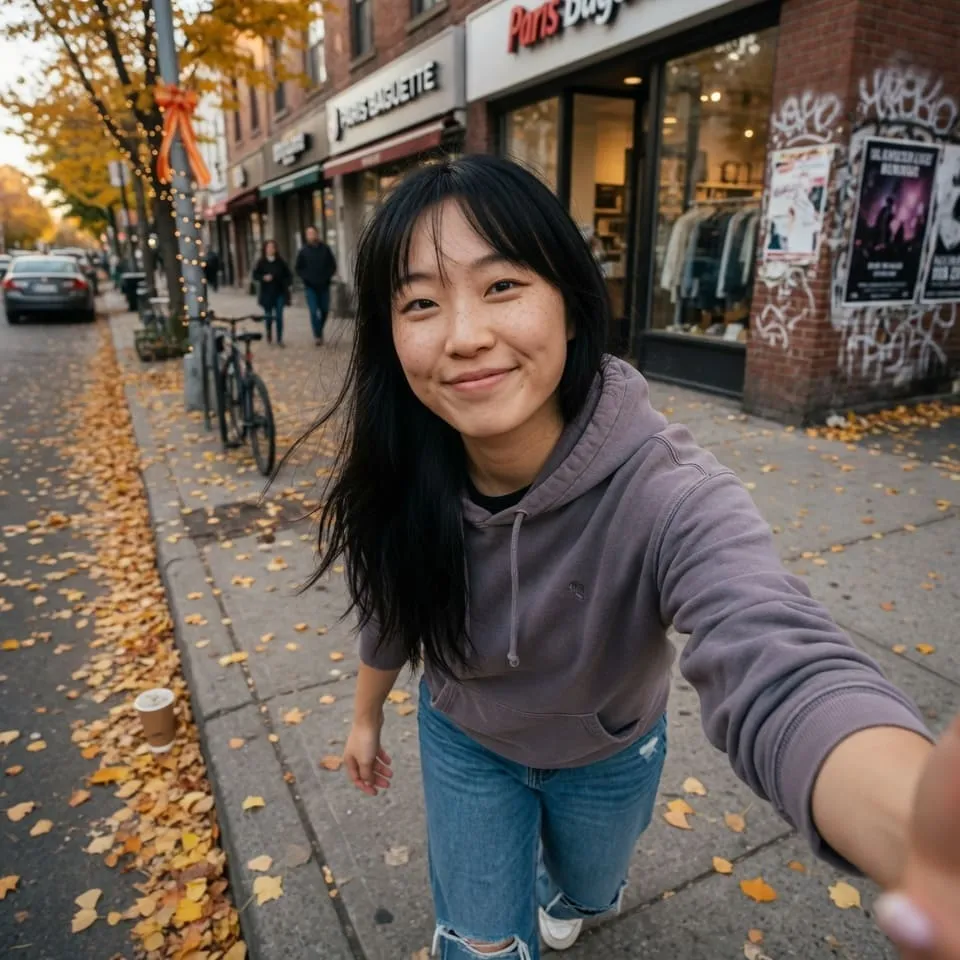
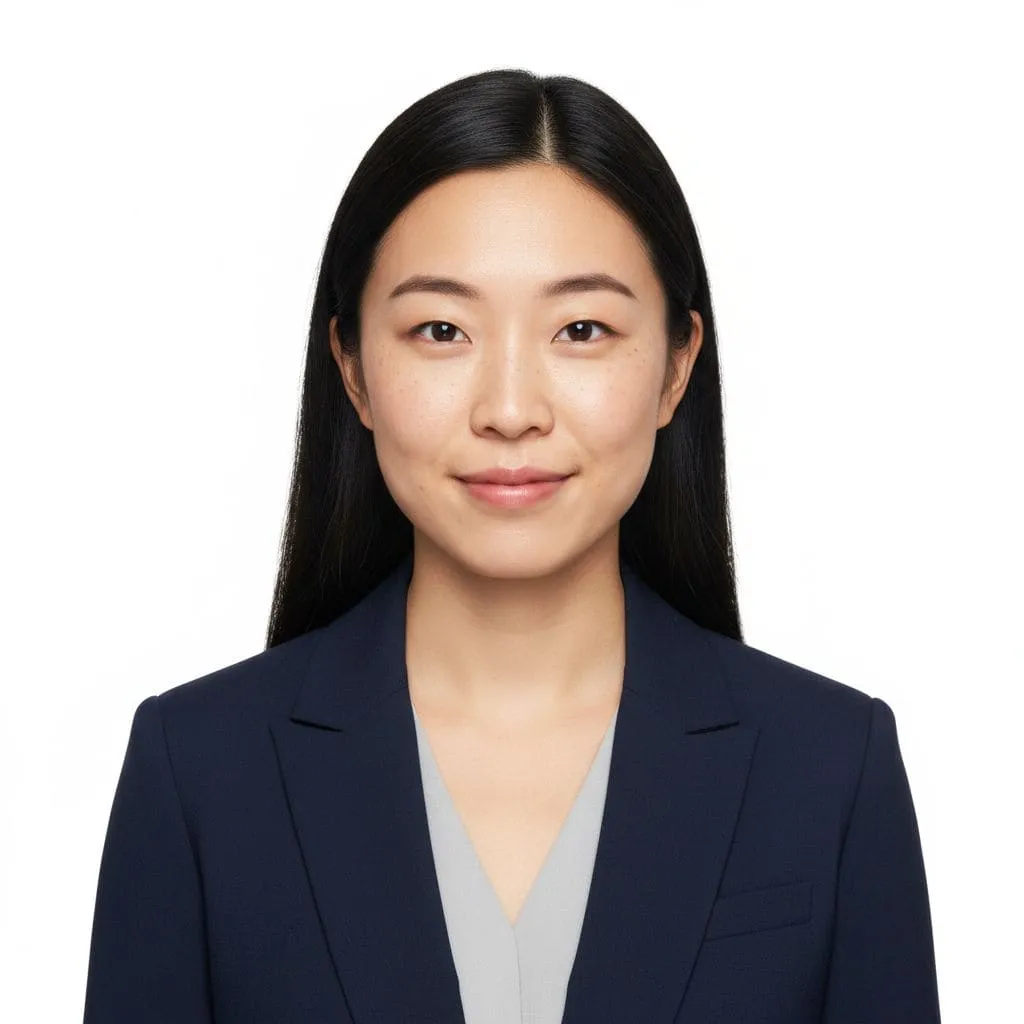
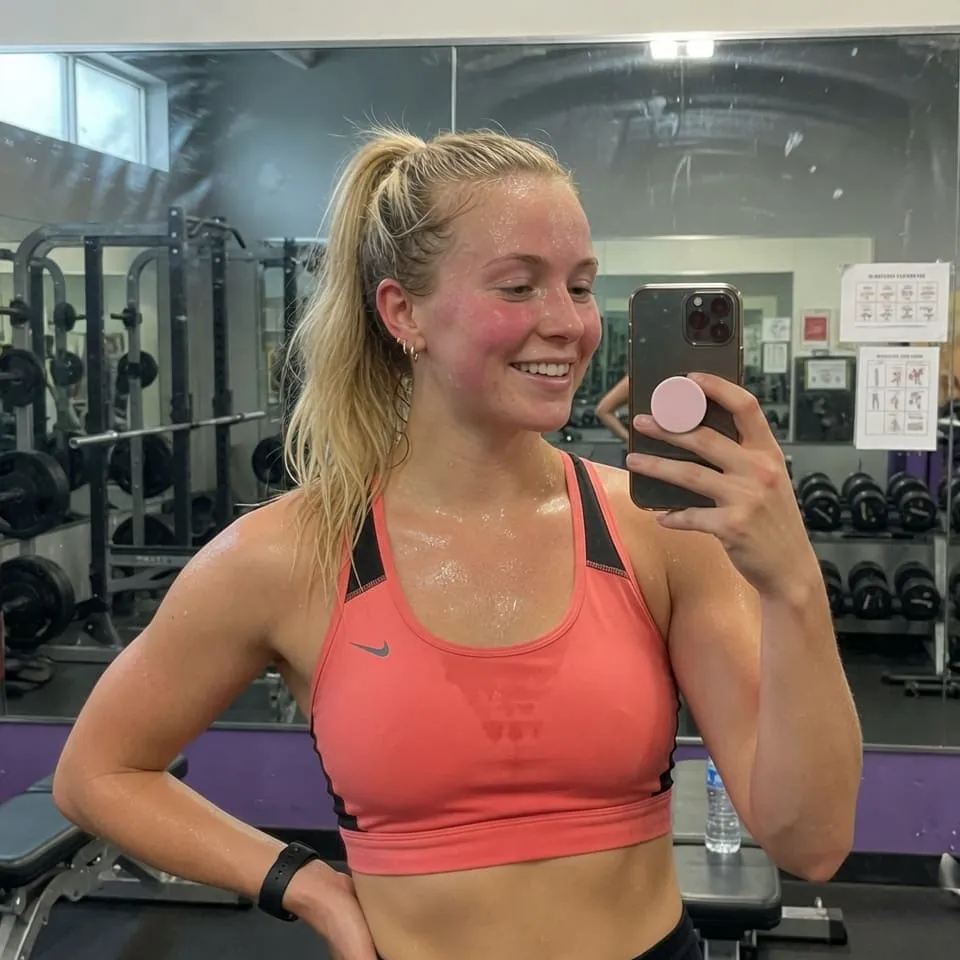
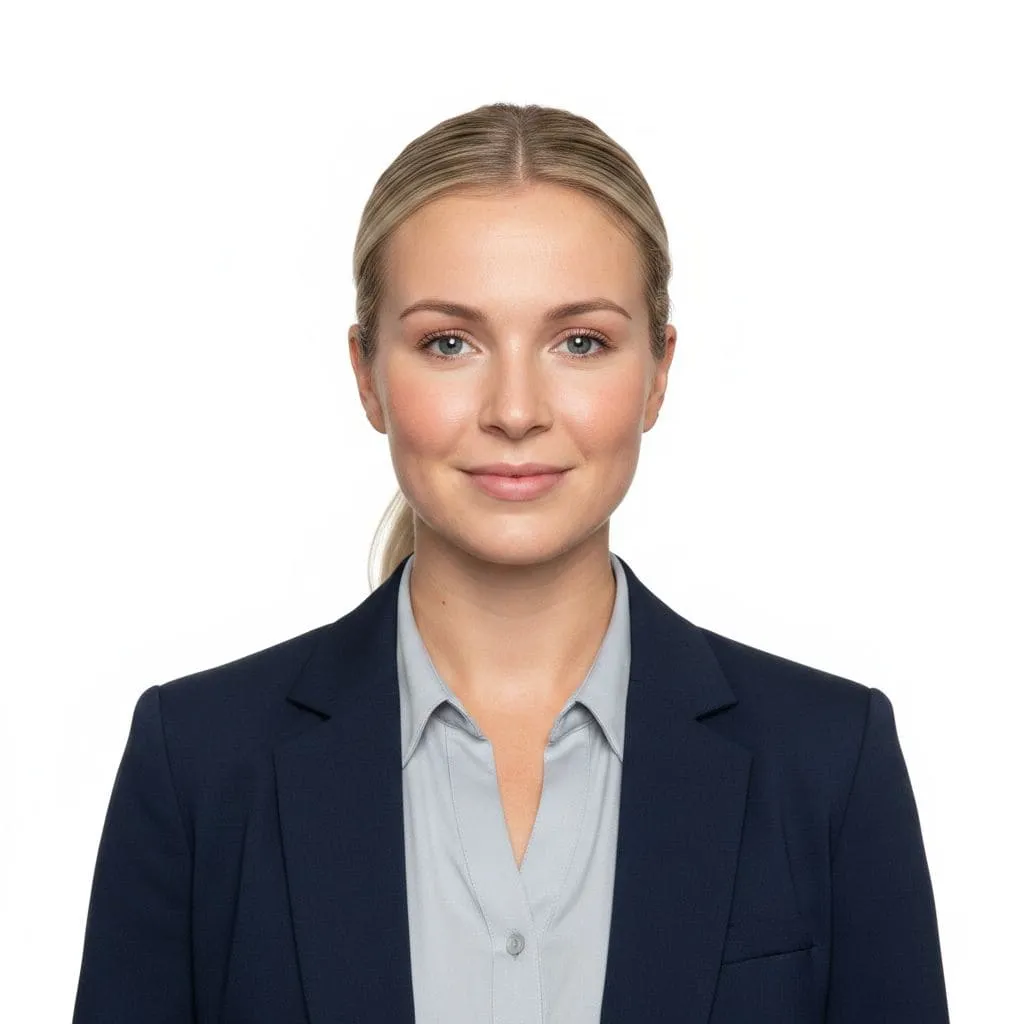
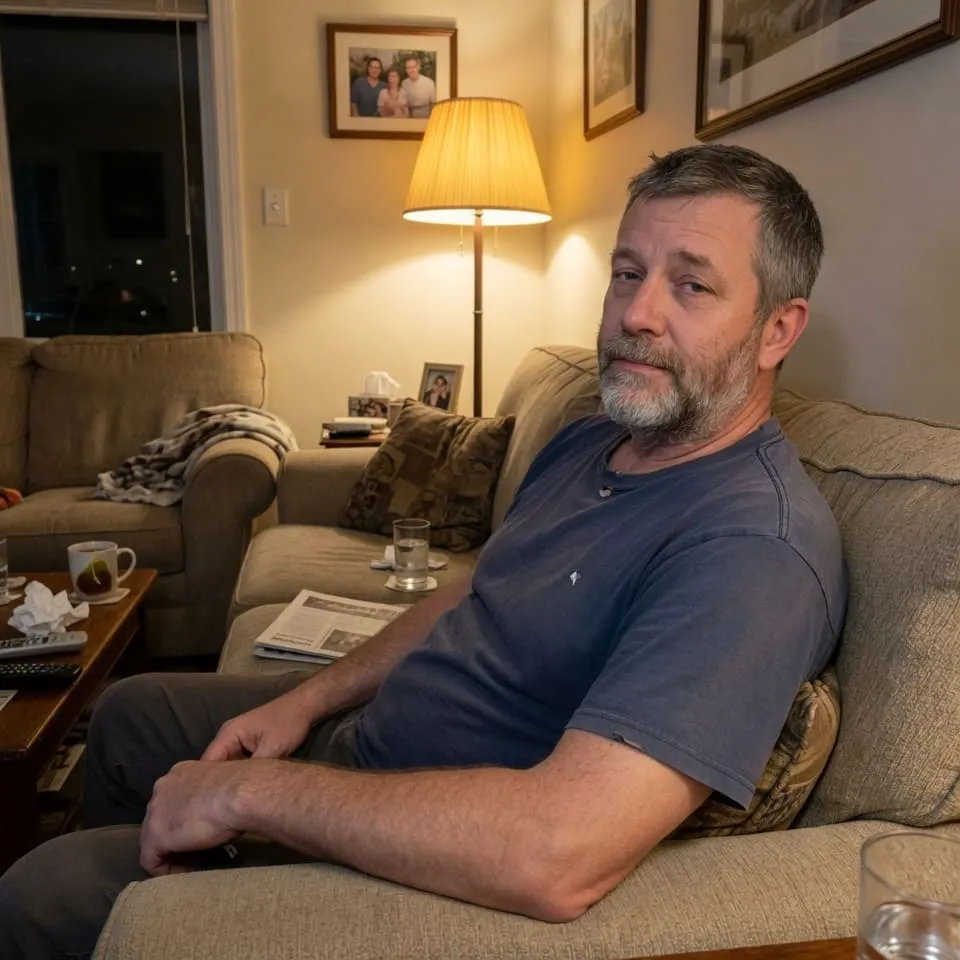
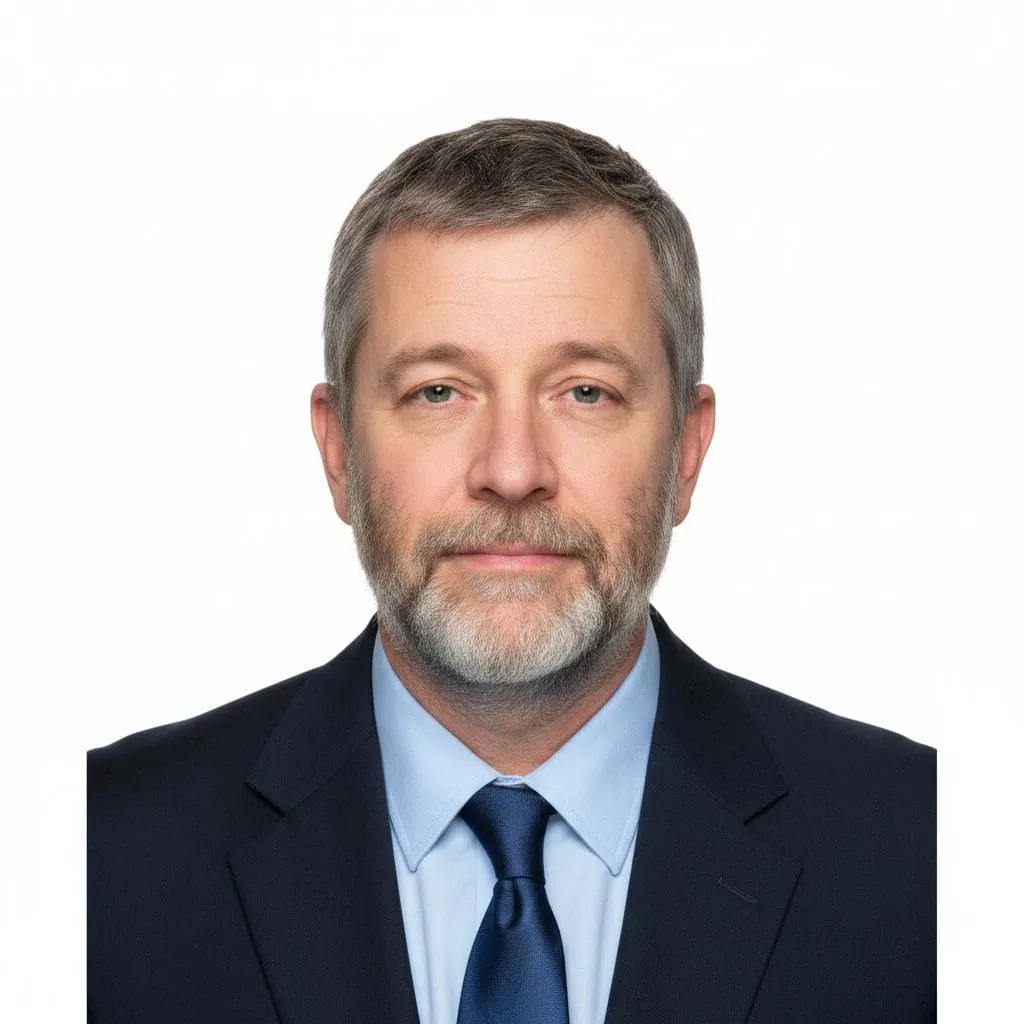
Examples: selfie → ID photo
Left: original photo. Right: document-ready output. Each pair is the same shot before and after processing.
Formats
Available formats
Aspect ratios as in the tool: pick one in the app and the AI will frame your ID photo or export for socials.
Square
Wide
Vertical
Standard
Portrait
Инструкция
Как сделать фото на паспорт онлайн бесплатно с белым фоном
Три шага в АИ Креатор (Creator-AI): без фотосалона, без скачивания программ, без подписки. Новым пользователям — 10 приветственных кредитов после входа через соцсети, этого хватает на 5-7 фото на паспорт.
-
1. Загрузите селфи
Откройте инструмент «Фото на документы» и загрузите обычное фронтальное селфи с телефона. Без головных уборов и тёмных очков, лицо хорошо видно — этого достаточно.
-
2. Нейросеть обработает
ИИ автоматически уберёт фон, поставит белый, выровняет освещение и подберёт деловой образ. Сохраняет черты лица. Обработка занимает около 30 секунд.
-
3. Скачайте фото на паспорт
Готовое фото на паспорт с белым фоном — размер 35×45 мм для паспорта РФ. Также подходит для Шенгена, визы США, резюме. Одна генерация — пара кредитов, приветственного бонуса хватает на 5-7 фото.
Нейросеть
Фото на паспорт через нейросеть — что умеет ИИ
Сделать фото на паспорт через нейросеть в АИ Креатор (Creator-AI) — значит получить кадр, как из фотостудии, прямо из обычного селфи. ИИ берёт на себя то, что в фотосалоне делает свет, фон и ретушёр.
Заменяет фон на белый
Нейросеть отделяет силуэт и подставляет ровный белый фон без теней и переходов. Цвет под нормативы документов.
Выравнивает свет
ИИ убирает резкие тени с лица, выравнивает экспозицию. Цвет кожи остаётся естественным, без «глянцевого» эффекта.
Сохраняет внешность
Нейросеть бережно работает с лицом — узнаваемые черты остаются. Это не генерация нового человека, а обработка вашего фото.
Кадрирует под документ
ИИ подгоняет размер и положение головы в кадре под формат паспорта РФ, Шенгена, визы США и других документов.
Требования
Размер фото на паспорт РФ — 35×45 мм и другие требования
По данным МВД, фото на паспорт РФ должно быть 35×45 мм, на белом фоне, с открытым лицом и нейтральным выражением. Нейросеть в АИ Креатор подгоняет кадр под эти требования автоматически.
-
Размер 35×45 мм
Стандарт для паспорта РФ. Голова занимает 70-80% высоты кадра, до макушки 5 мм свободного поля сверху.
-
Белый или светло-серый фон
Без узоров, теней и градиентов. Нейросеть автоматически заменяет фон на однотонный.
-
Лицо анфас
Прямой взгляд в камеру, голова не наклонена. Глаза открыты, рот закрыт, нейтральное выражение.
-
Без головных уборов и тёмных очков
Лицо полностью открыто. Очки для постоянного ношения допустимы, если не бликуют и не скрывают глаза.
-
Подходит и для других документов
Шенген (35×45), виза США (51×51 мм / 2×2 дюйма), КНР, водительские права, резюме — нейросеть подскажет нужный формат.
Перед подачей рекомендуем сверить готовое фото с актуальными требованиями вашего ведомства — параметры периодически уточняются.
ID photo — without a photo studio
AI evens out the light, applies a white background, neat appearance and a calm expression. Ready for documents and resumes.
Clean white background
We automatically remove the background and place a flat white one — like in a photo studio. No shadows or artifacts.
Studio light
We even out the lighting and remove harsh shadows on the face and from clothing. Skin tone stays natural.
Business look
Neat clothes, tidy hair, calm and confident expression — fits passport, visa and resume.
Keeps your appearance
AI handles the face carefully: you stay yourself, without over-glossy or unnaturally smooth skin.
Visa and passport ready
Aspect ratio, sharpness and background match requirements of most documents: Russian passport, Schengen, US/China visas.
In 30 seconds
No more trips to a photo studio. Upload a selfie — get the photo, download and submit your documents.
FAQ
Frequently asked questions
Answers to common questions about ID photo in creator-ai.
Will the photo work for a Russian passport?
Can I use it for Schengen and US visas?
What kind of selfie should I upload?
Can I pick clothes and hairstyle?
How much does it cost?
Is it safe to upload my photo?
Can I use it for LinkedIn and resume?
ID photo online — in 30 seconds
Upload a selfie — AI creates a professional photo for passport, visa or resume. White background, neat appearance, studio light.