
Vectorize
Vectorize images online — JPG/PNG → SVG
Upload a raster image — AI converts it into clean SVG with smooth curves. Ready for print, web, plotter and laser cutting.
SVG samples from the vector folder
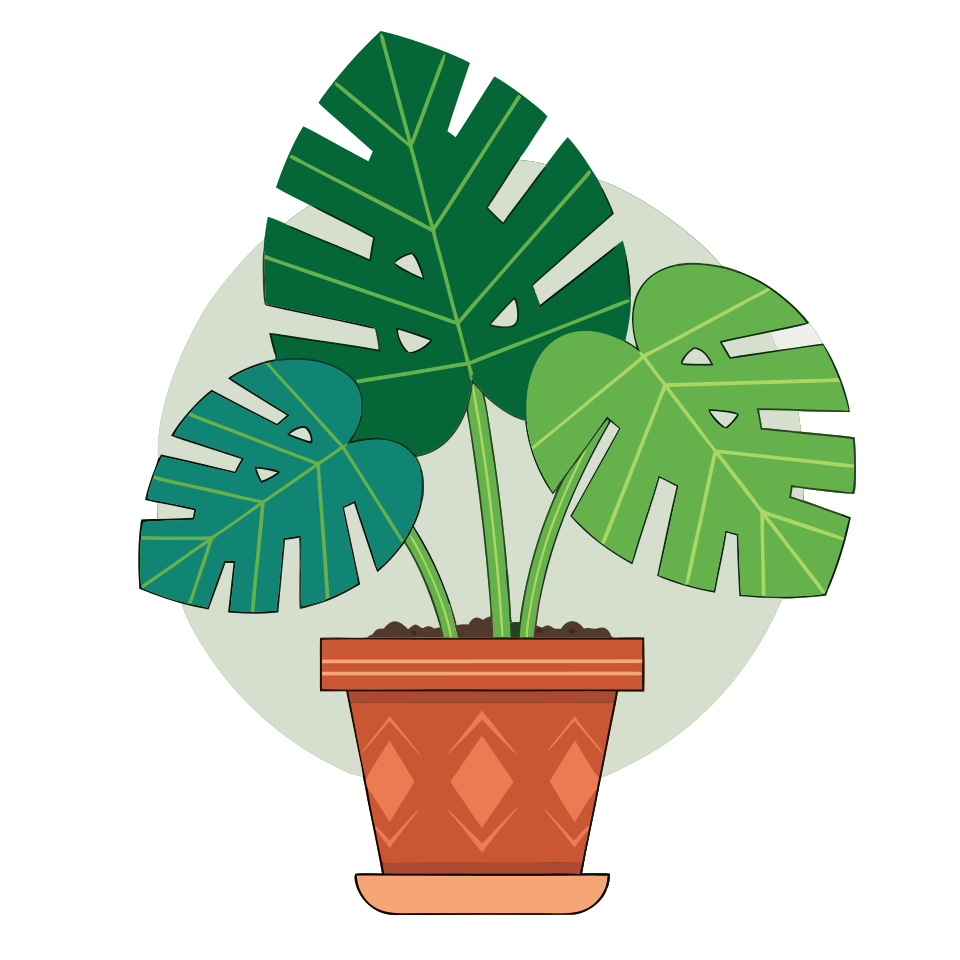
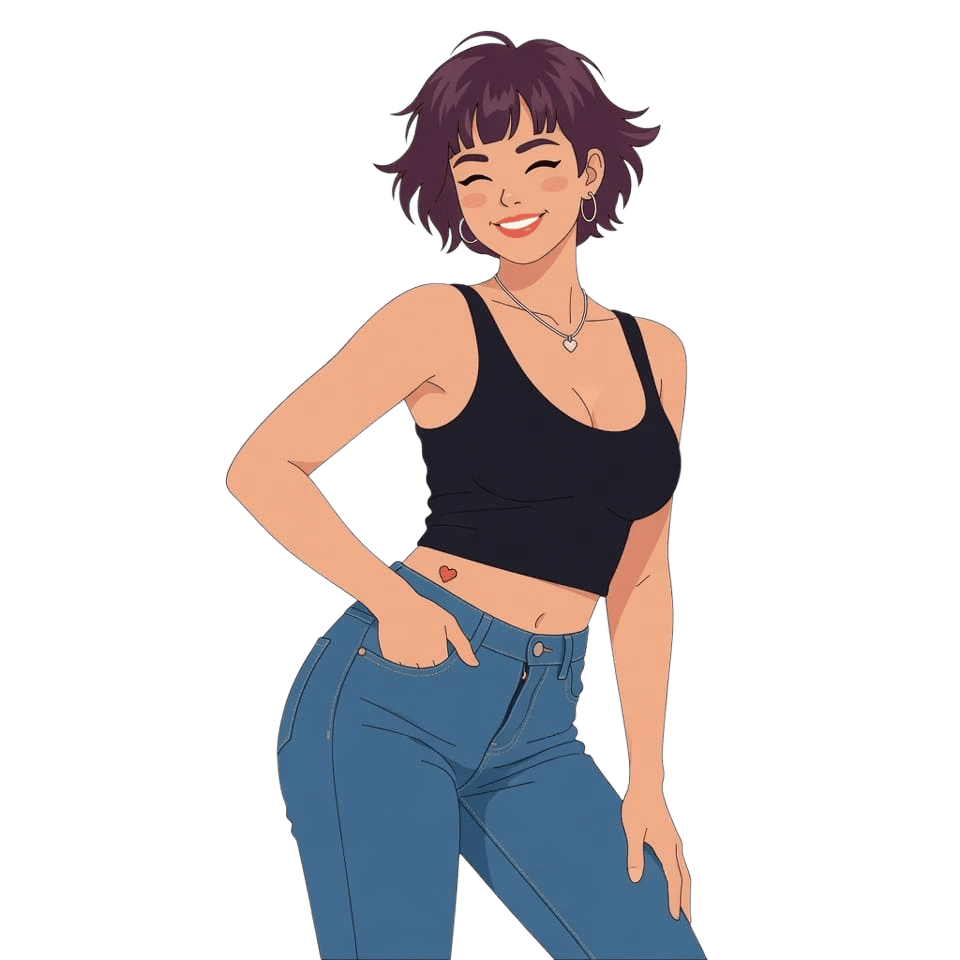
Real files from img/content/vector — previews scale without blur.
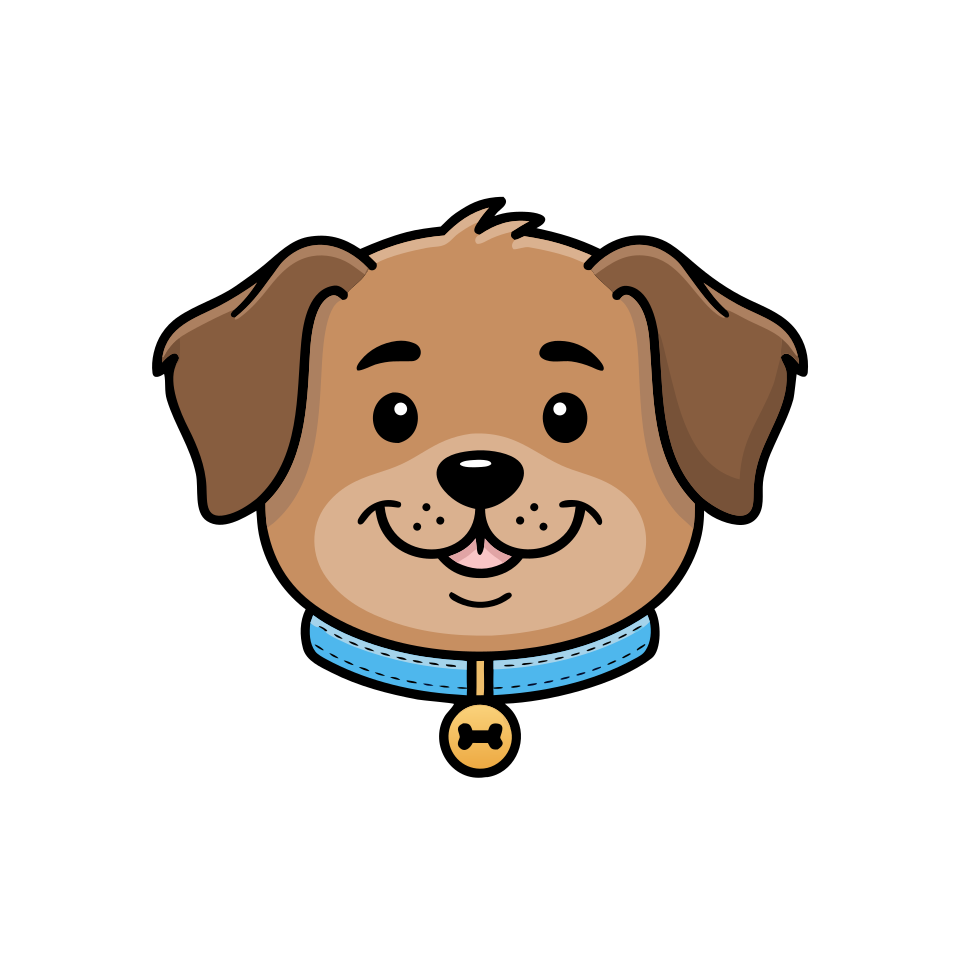
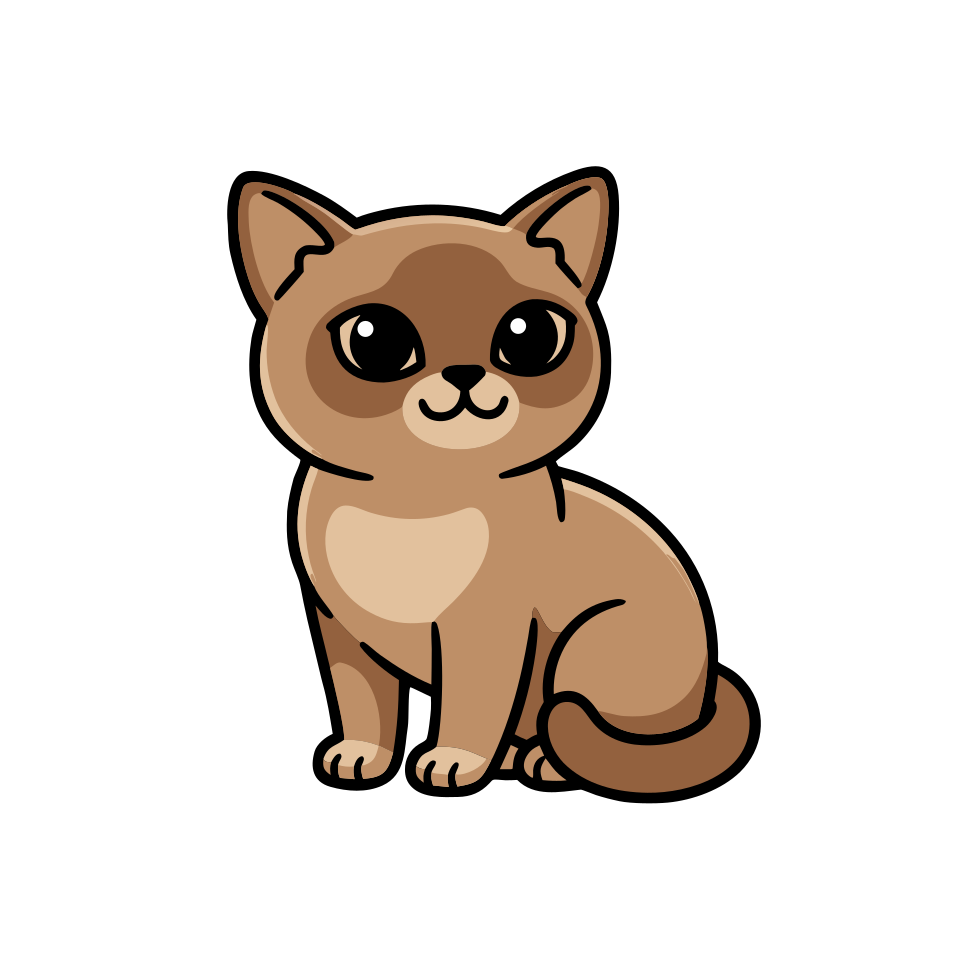
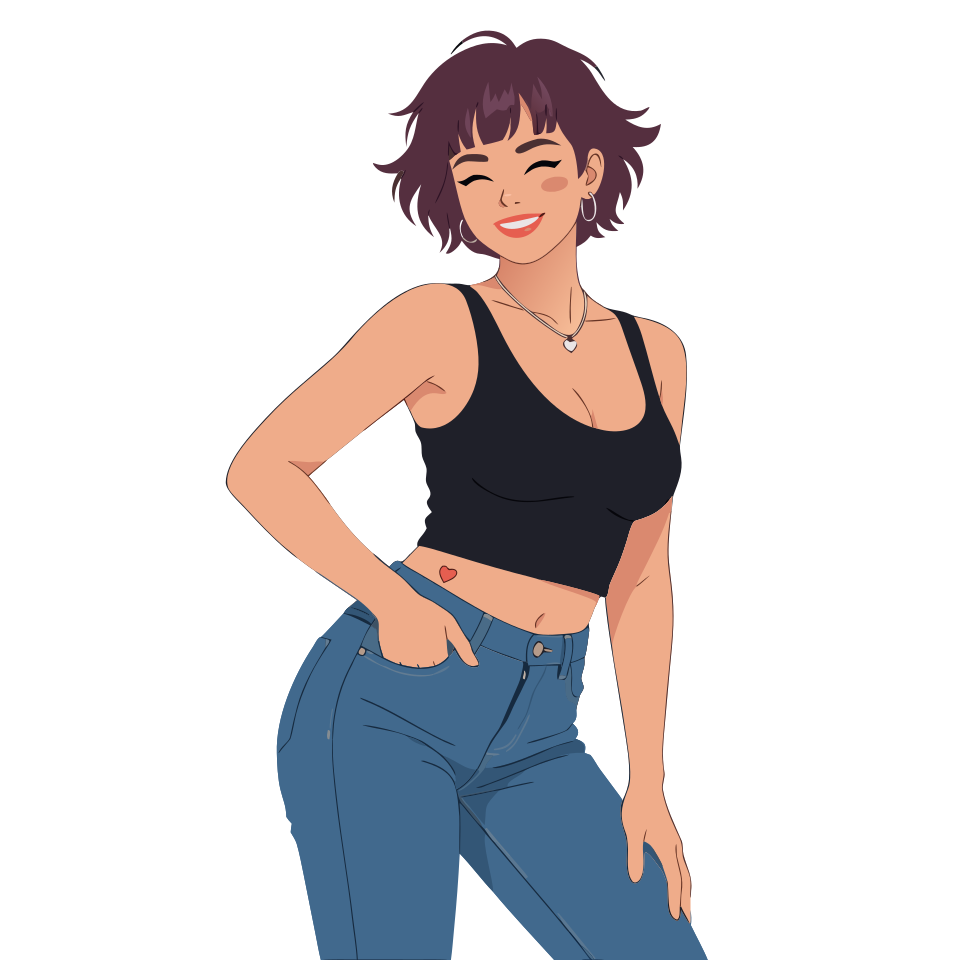

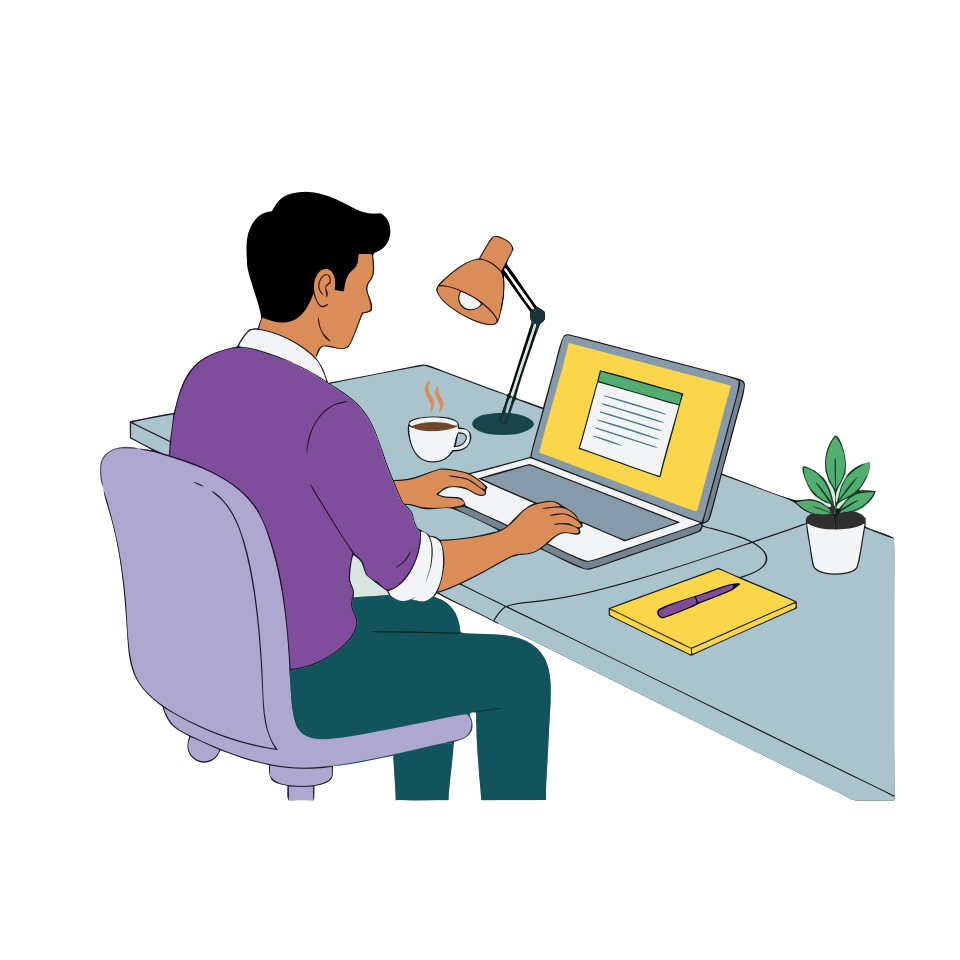
Real examples
Online vectorization: raster → SVG with AI
Left: source PNG. Right: SVG after vectorization. In vectors you can easily recolor individual elements and fine-tune details in an editor.
VectorizeVectorization — without a graphic editor
Clean SVG, transparent background, export in seconds. Great for logos, icons, illustrations and stickers.
Clean curves
AI detects edges and turns pixels into smooth vector curves with no noise or artifacts.
Transparent background
Automatic subject cutout — the result already has a transparent background, ready for design and print.
SVG everywhere
Use the result for web, print, Cricut/Silhouette plotters and laser cutting — without losing quality.
Logos and icons
Perfect for converting old logos and icons into a modern scalable format.
Color and monochrome
Keep the original palette or convert to a monochrome SVG — depending on your task.
In seconds
No manual tracing — vectorization takes just a few seconds, no software install needed.
FAQ
Frequently asked questions
Answers to common questions about image vectorization in creator-ai.
What is vectorization?
Which formats are supported?
Is it good for logos?
What about transparent background?
Can I use it for laser cutting and plotters?
How much does it cost?
Can I use the result commercially?
Vectorize images online — JPG/PNG → SVG
Upload a raster image — AI converts it into clean SVG with smooth curves. Ready for print, web, plotter and laser cutting.